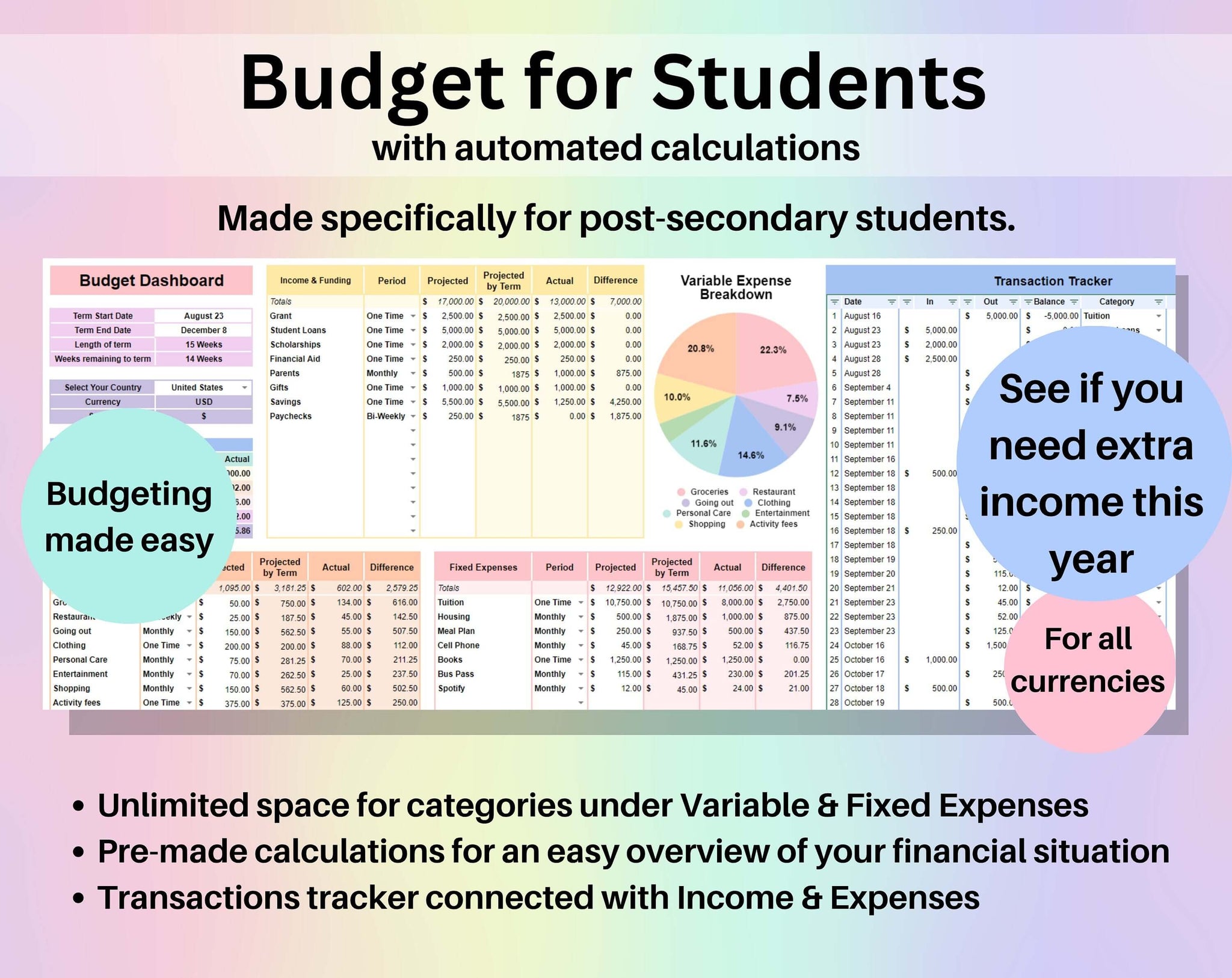
Creating a student budget spreadsheet is essential for teaching students how to manage their finances effectively. With rising tuition costs and everyday expenses, having a clear overview of their financial situation can help students make informed decisions. This guide will walk you through the steps on how to make a student budget spreadsheet that not only helps students track their income and expenses but also encourages financial literacy.
Understanding the Basics of Budgeting
Before diving into the specifics of creating a spreadsheet, it’s important to understand what budgeting entails. A budget is a financial plan that outlines expected income and expenses over a certain period. For students, this typically includes tuition, housing, food, transportation, and personal expenses.
When teaching students about budgeting, emphasize the importance of knowing how much money they have coming in versus how much is going out. This foundational understanding will help them grasp the concept of financial balance and the need for savings.
Choosing the Right Format for Your Spreadsheet
When it comes to making a student budget spreadsheet, the format is crucial. You can create one using various tools, including Microsoft Excel, Google Sheets, or even a simple printable template. Each option has its advantages:
- Microsoft Excel: Offers advanced features like formulas and charts, which can help students visualize their financial data.
- Google Sheets: Great for collaboration, allowing students to share their budgets with parents or financial advisors.
- Printable Templates: Ideal for students who prefer writing things down. These can be easily accessed and filled out by hand.
For classroom or home use, choose a format that aligns with the students’ comfort level with technology. If they are familiar with spreadsheets, Excel or Google Sheets may be the best choice. Otherwise, a printable template could be more effective.
Creating the Spreadsheet Layout
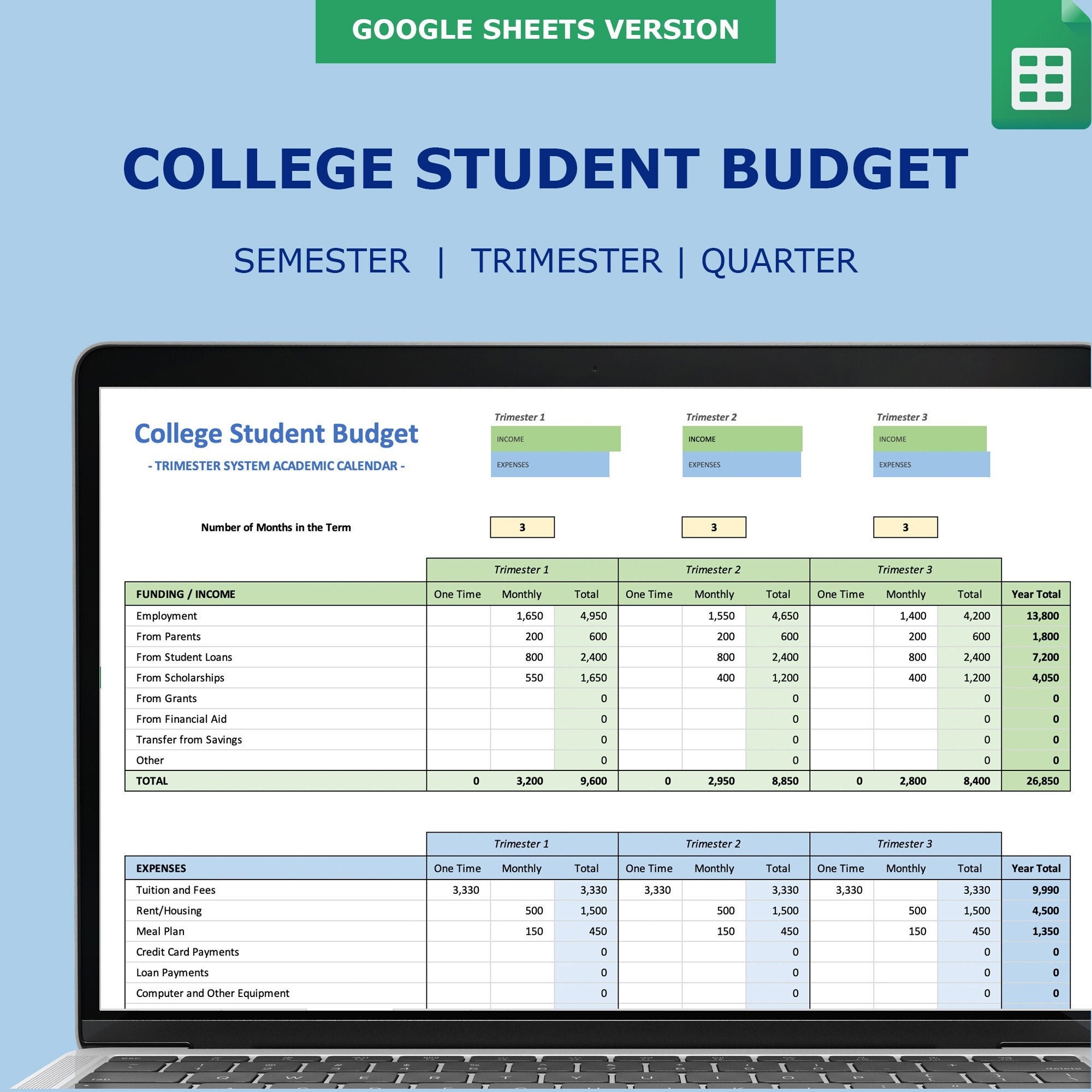
Now that you’ve chosen your format, it’s time to create the layout of your student budget spreadsheet. Here’s a simple structure to get started:
- Income Section: Include rows for different sources of income, such as:
- Part-time job earnings
- Scholarships or grants
- Parental support
- Any other income sources
- Expenses Section: Break down expenses into categories, such as:
- Fixed Expenses: Tuition, rent, insurance, and any other recurring payments.
- Variable Expenses: Food, transportation, entertainment, and personal expenses.
- Savings: Encourage students to allocate a portion of their budget for savings, even if it’s a small amount.
- Summary Section: At the bottom of the spreadsheet, include a space for total income, total expenses, and the net balance (income minus expenses). This will help students visualize their financial status at a glance.
Example of a Simple Budget Layout
| Category | Item | Amount |
|——————-|————————|————|
| Income | Part-time job | $500 |
| | Scholarship | $200 |
| Expenses | Rent | $300 |
| | Groceries | $150 |
| | Transportation | $100 |
| | Entertainment | $50 |
| Total | | $500 |
Teaching Students How to Input Data
Once the layout is established, guide students on how to input their data accurately. Encourage them to record their income and expenses regularly—ideally, on a weekly or monthly basis. This habit helps them stay aware of their financial situation and make adjustments as needed.
It’s also a good idea to teach students about estimating expenses. For instance, if they tend to spend more on food during exam weeks, they should factor that into their budgeting. This realistic approach makes budgeting more effective and less daunting.
Analyzing the Budget
After students have input data into their budget spreadsheets for a month or two, it’s time to analyze the results. Discuss the following points:
- Spending Patterns: Help students identify areas where they may be overspending. Are they spending too much on dining out? Are transportation costs higher than expected?
- Adjustments: Encourage them to make adjustments based on their analysis. If they find they regularly exceed their budget in a category, they might need to cut back on non-essential expenses.
- Setting Financial Goals: Have students set short-term and long-term financial goals. This could include saving for a trip, paying off a credit card, or building an emergency fund.
Utilizing Templates for Ease
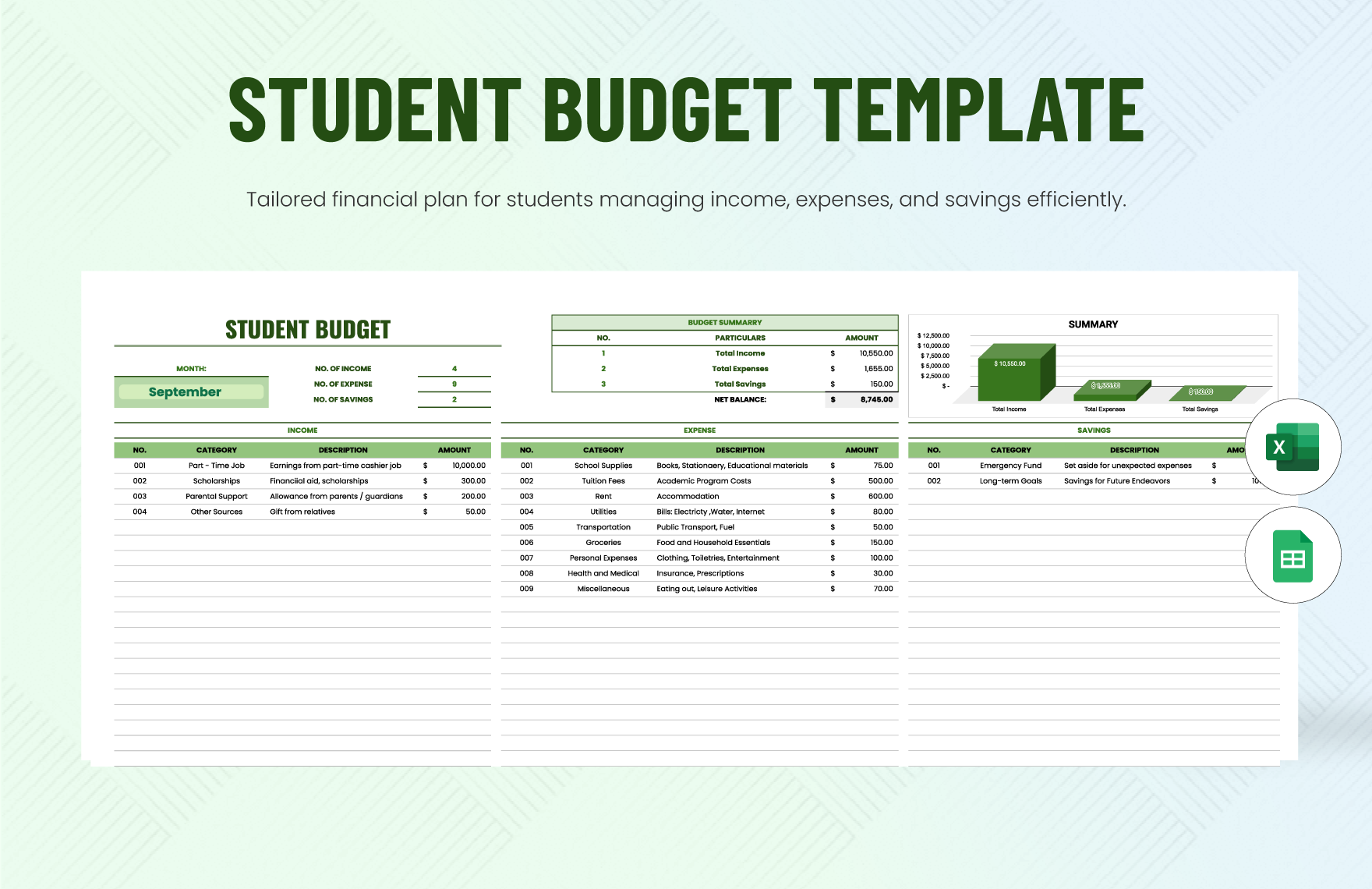
For those who may feel overwhelmed by creating a spreadsheet from scratch, utilizing a pre-made template can be a great solution. There are various free and paid options available online that cater to student budgets. These templates often come with built-in formulas that automatically calculate totals and balances, making them user-friendly.
When selecting a template, ensure it meets the needs of your students. Look for templates that are easy to navigate, visually appealing, and customizable. You might even consider creating a “template library” for your students, where they can choose from different styles based on their preferences.
Encouraging Regular Budget Reviews
Budgeting is not a one-time event; it requires regular reviews and updates. Encourage students to set aside time, perhaps at the beginning of each month, to review their budget. This practice fosters accountability and helps them stay on track with their financial goals.
During these reviews, students can assess their spending habits, make necessary adjustments, and celebrate any financial milestones they may have achieved. For example, if they successfully saved a certain amount for a trip, they should take the time to acknowledge that achievement.