Creating a monthly budget is essential for effective financial management, whether at home or in an educational setting. A well-structured budget sheet helps track income and expenses, allowing for better decision-making. Understanding how to fill out a monthly budget sheet effectively can empower teachers and parents to guide students in mastering financial literacy.
Understanding the Monthly Budget Sheet
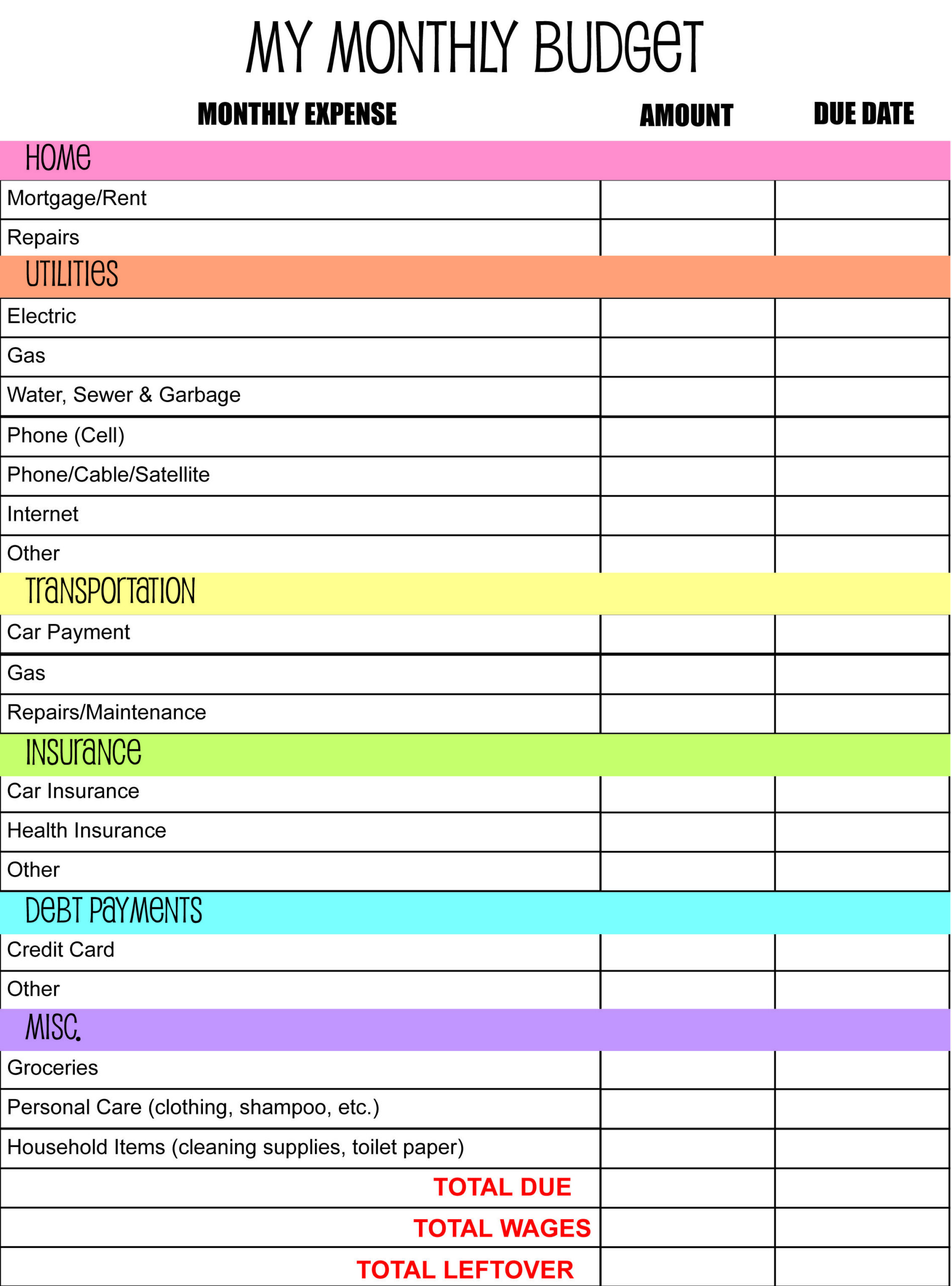
Before diving into the specifics of filling out a monthly budget sheet, it’s important to understand its components. A typical budget sheet includes sections for income, fixed expenses, variable expenses, and savings.
- Income: This section lists all sources of income. For students, this could include allowances, part-time job earnings, or gifts.
- Fixed Expenses: These are costs that remain constant each month, such as rent, utilities, or subscription services.
- Variable Expenses: These can fluctuate monthly and include groceries, entertainment, and personal purchases.
- Savings Goals: This section encourages setting aside money for future needs or emergencies.
By familiarizing yourself with these sections, it becomes easier to see where adjustments might be necessary.
Downloading the Monthly Budget Sheet
Once you’ve identified the importance of a monthly budget sheet, the next step is to download a suitable template. Many printable-resource websites offer free, customizable templates in various formats such as PDF or Excel.
- Choose the Right Template: Look for a template that suits your needs. Ensure it includes all necessary sections and is easy to read.
- Check for Compatibility: If using a digital version, ensure it is compatible with your software. PDF formats are universally accessible, while Excel offers more flexibility for calculations.
- Download: Click on the download link and save it to your device. Keep it organized in a folder for easy access.
Printing the Monthly Budget Sheet
Once the budget sheet is downloaded, it’s time to print it. Here are practical steps to follow:
- Select the Right Paper Size: Standard letter size (8.5 x 11 inches) works well for most printers. If using a planner, consider A4 or A5 sizes depending on the layout.
- Adjust Printer Settings: Ensure your printer settings match the paper size. For best results, use high-quality settings to ensure clarity.
- Print a Test Page: It’s wise to print a test page first to check for formatting issues. This is especially important if you’ve made adjustments to the template.
- Print Multiple Copies: If you plan to use the sheet for several months, print multiple copies to save time later.
Filling Out the Monthly Budget Sheet
Now comes the essential part: filling out the monthly budget sheet. This process can be broken down into several manageable steps.
Step 1: Record Your Income
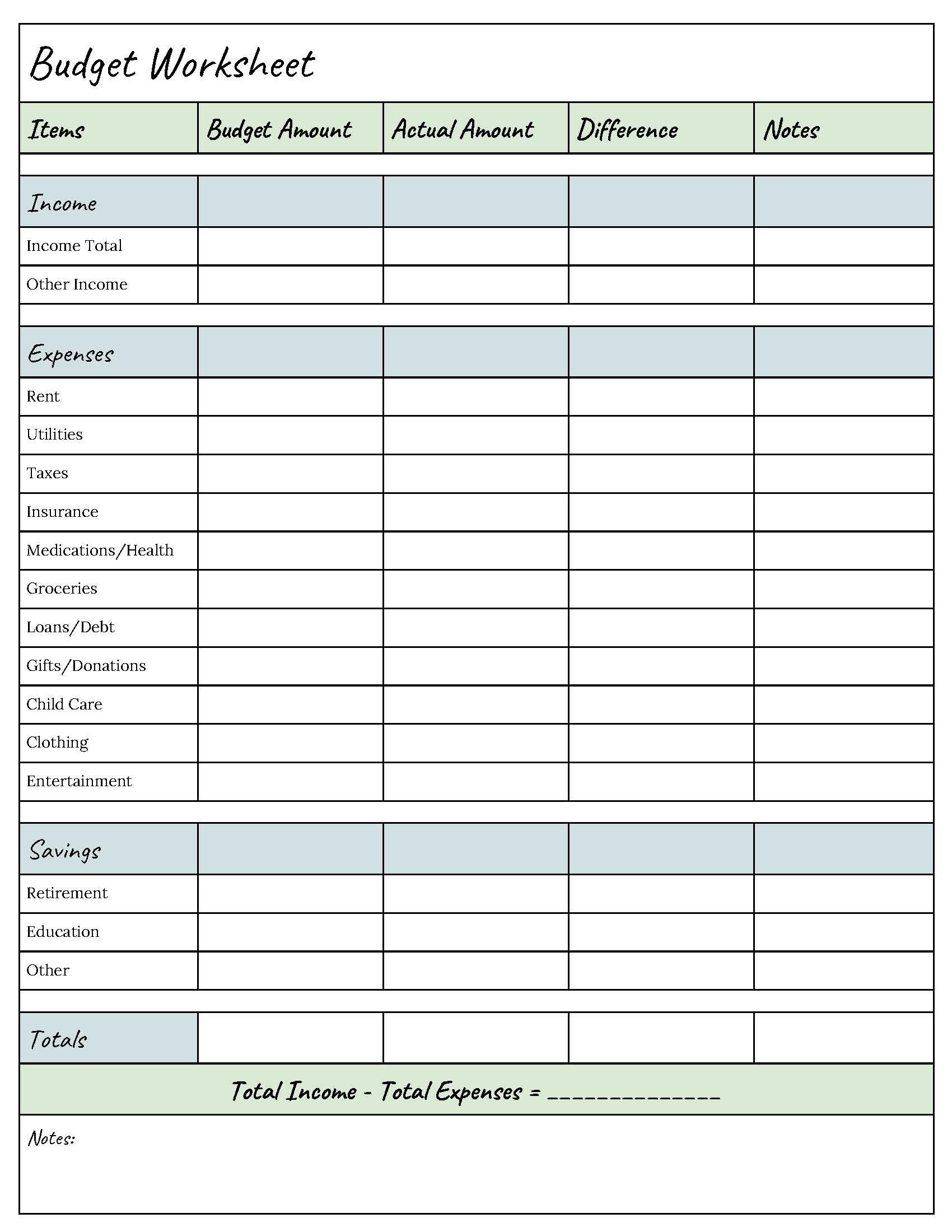
Begin by listing all sources of income for the month. Encourage students or children to think broadly. Apart from allowances, consider:
- Part-time jobs
- Gifts or monetary rewards
- Earnings from any freelance work
Make sure to total the income section at the end for a clear overview.
Step 2: Document Fixed Expenses
Next, move on to fixed expenses. These are predictable and should be easy to list. Common examples include:
- Rent or mortgage payments
- Insurance premiums
- Subscription services (like Netflix or Spotify)
It’s crucial to be accurate here, as these costs will not change month to month.
Step 3: Estimate Variable Expenses
Variable expenses can be more challenging to predict. Encourage estimating based on past spending. Common variable expenses include:
- Groceries
- Dining out
- Entertainment (movies, concerts, etc.)
Using average costs from previous months can help create a more accurate budget.
Step 4: Set Savings Goals
After documenting income and expenses, it’s time to focus on savings. Setting savings goals teaches the importance of financial planning. Encourage setting aside a portion of the income for:
- Emergency funds
- Future purchases (like a new video game or school supplies)
- Long-term savings (like college funds)
Step 5: Calculate the Balance
Once all sections are filled out, calculate the balance. This is done by subtracting total expenses (fixed and variable) from total income.
- If the balance is positive, encourage saving or investing the surplus.
- If it’s negative, review the expenses and look for areas to cut back.
Step 6: Track Progress Throughout the Month
A monthly budget sheet is a living document that should be updated regularly. Encourage students to:
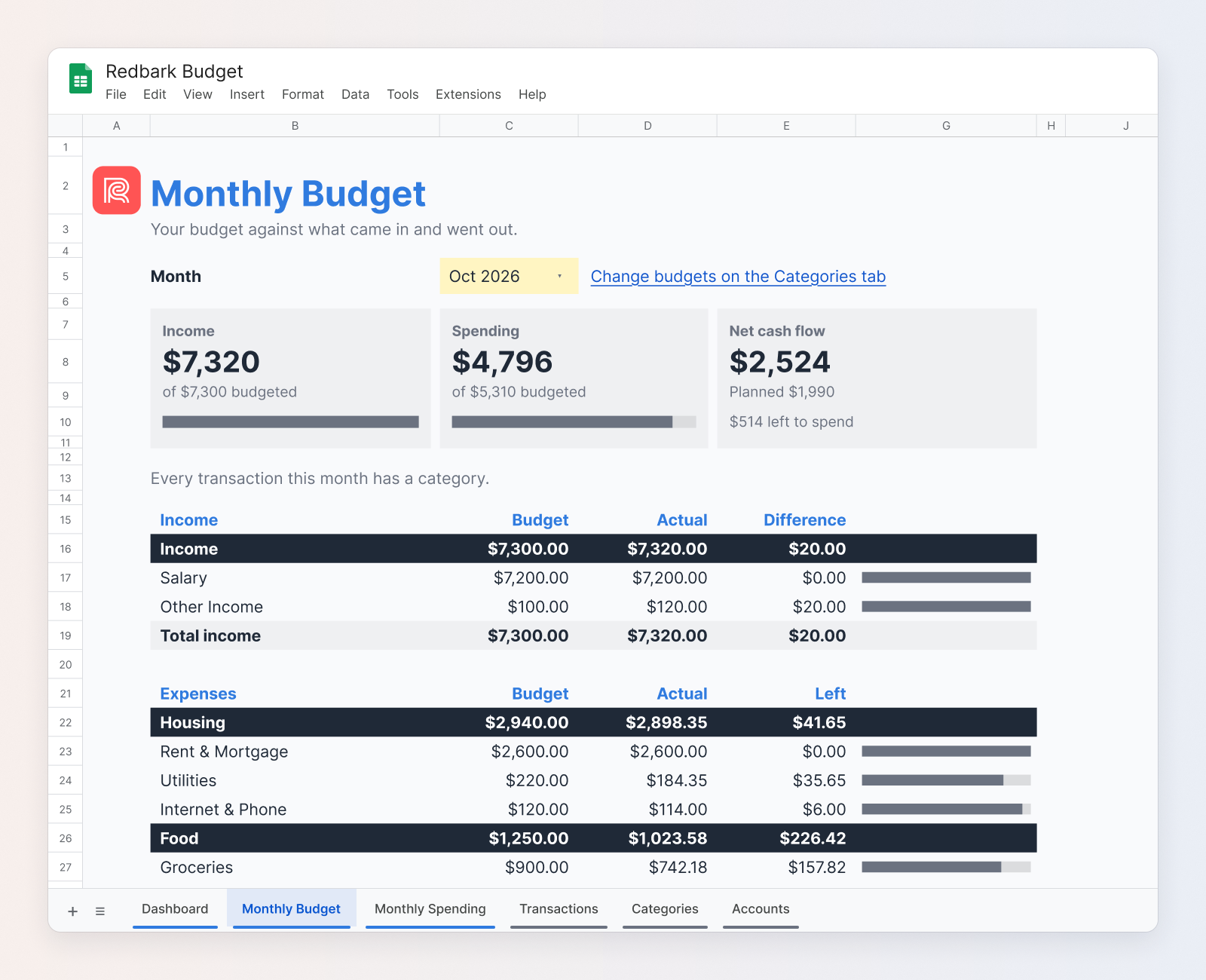
- Record actual spending throughout the month.
- Compare it to the budgeted amounts to identify trends.
- Adjust future budgets based on these observations.
This practice reinforces the importance of adaptability in budgeting.
Tips for Successful Budgeting
Creating a budget can be a learning curve. Here are some tips to enhance the budgeting experience:
- Involve Students: Make budgeting a family or classroom activity. This encourages engagement and accountability.
- Use Visual Aids: Incorporate charts or graphs to visualize spending. This can make it easier to understand where money goes.
- Set Realistic Goals: Ensure that the budget reflects achievable goals. Setting unrealistic targets can lead to frustration.
- Review Regularly: Schedule regular budget reviews. This can be monthly, or even weekly, to ensure everything stays on track.
By following these steps, teachers and parents can help students learn valuable skills in budgeting, fostering a sense of financial responsibility.
Encourage immediate action by selecting a budget template today, downloading it, and starting the budgeting process. This proactive approach can lead to better financial habits in the long run.