Using a budget sheet can transform how you manage finances, whether at home or in the classroom. This resource allows you to track income, expenses, and savings goals, making it an essential tool for teaching financial literacy. In this article, we’ll explore how to use a budget sheet effectively, focusing on practical steps that teachers and parents can implement to help students and children learn valuable budgeting skills.
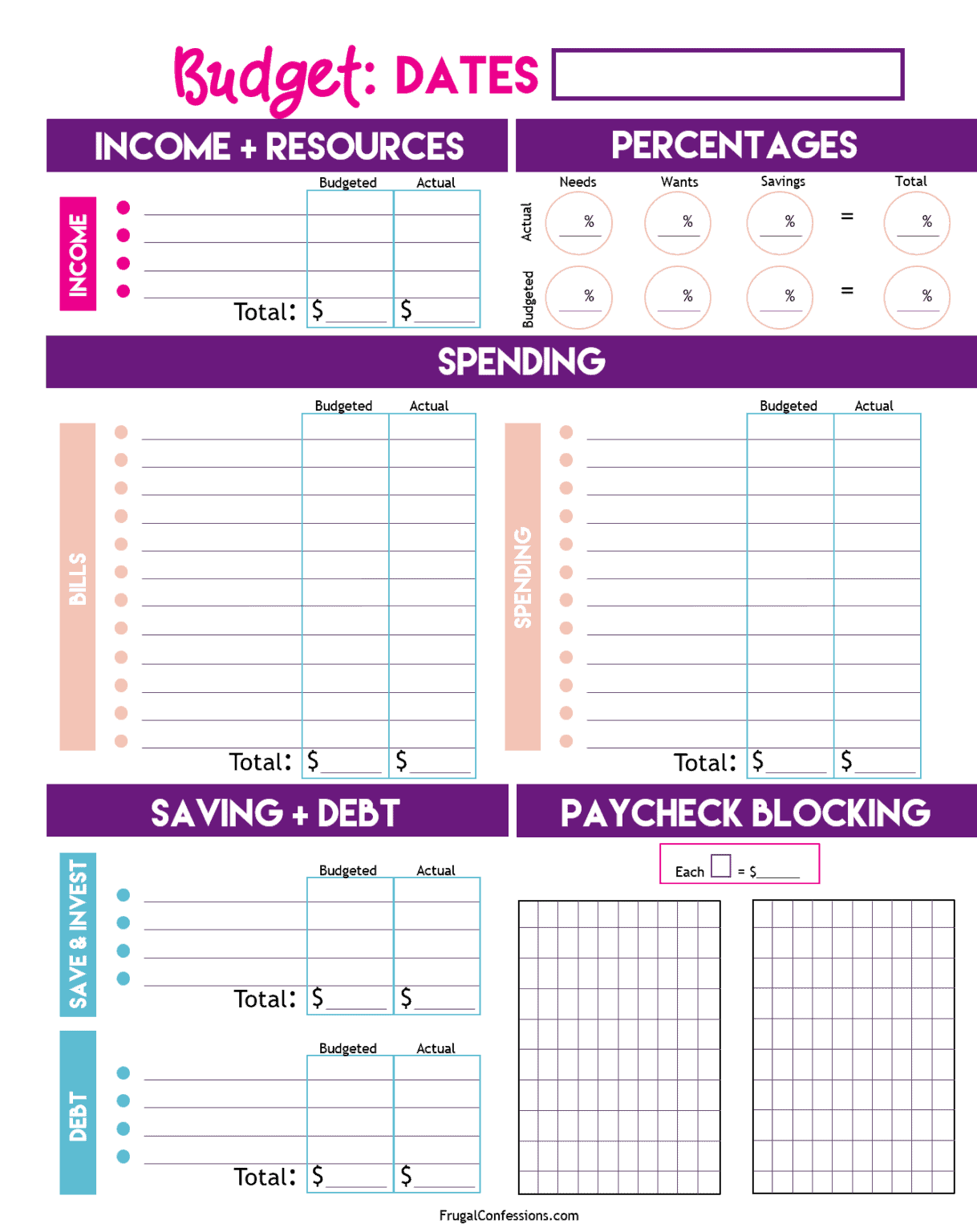
Understanding the Budget Sheet Format
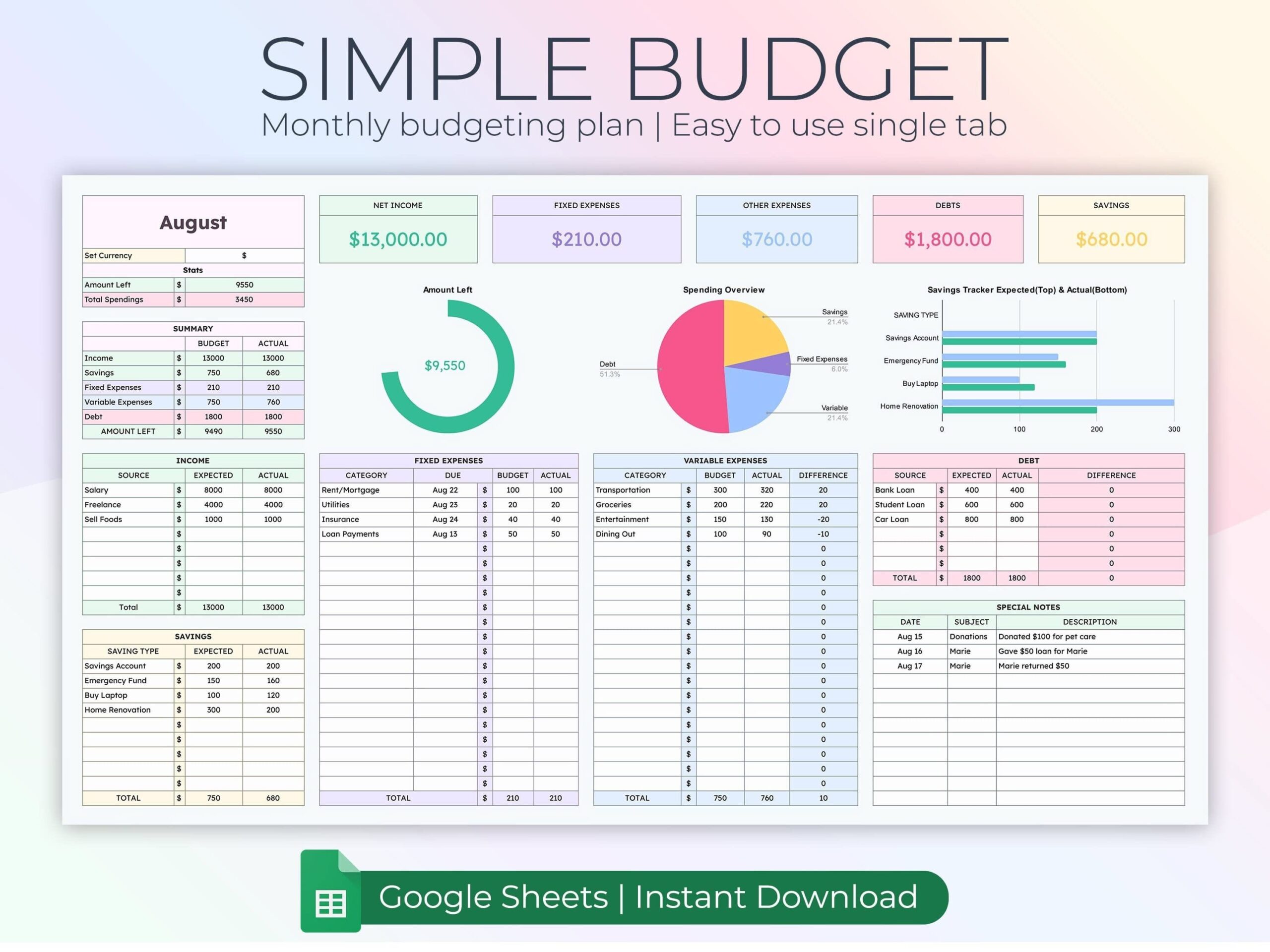
Before diving into how to use a budget sheet, it’s essential to understand its format. Most budget sheets include sections for income, fixed expenses, variable expenses, and savings goals.
- Income Section: List all sources of income, including salary, allowances, or any side jobs.
- Fixed Expenses: These are regular payments that don’t change month-to-month, such as rent or subscriptions.
- Variable Expenses: These can fluctuate, including groceries, entertainment, and other discretionary spending.
- Savings Goals: This section helps set aside money for future needs or wants, such as a new gadget or a trip.
Understanding this structure is the first step in effectively using a budget sheet. It helps ensure that every dollar has a purpose, which is crucial for financial responsibility.
Choosing the Right Budget Sheet
When selecting a budget sheet, consider the age and financial understanding of the users. For younger children, a simple, colorful template with visual aids can help them grasp basic concepts. For older students or adults, a more detailed sheet with calculations might be appropriate.
You can find various printable budget sheets online. Look for one that aligns with your needs, whether it’s a basic monthly budget or a more comprehensive annual overview. Ensure it’s easy to read and user-friendly, as this will encourage regular use.
Downloading and Printing Your Budget Sheet
Once you’ve identified the right budget sheet, the next step is to download and print it. Most budget sheets are available in PDF format, which is ideal for maintaining formatting during printing.
- Printing Tips:
- Use standard letter-sized paper (8.5 x 11 inches) for easy handling.
- If you plan to use the budget sheet frequently, consider printing it on cardstock for durability.
- Ensure your printer settings are adjusted for high-quality output to keep the text clear.
After printing, consider laminating the sheet if it will be used repeatedly. This way, you can write on it with dry-erase markers, making adjustments easy as your budget changes.
Setting Up Your Budget Sheet
Now that you have your budget sheet ready, it’s time to fill it out. Here’s a step-by-step guide to setting it up effectively:
- List Your Income: Start by writing down all sources of income in the designated section. For students, this could include allowances or part-time job earnings.
- Identify Fixed Expenses: Next, list your fixed expenses. This might include rent, utilities, or any subscriptions. Encourage students to think about what expenses are necessary versus optional.
- Estimate Variable Expenses: For variable expenses, it’s helpful to look at past spending to make realistic estimates. This could include groceries, dining out, and entertainment.
- Set Savings Goals: Finally, allocate a portion of your income to savings. Discuss the importance of saving for future purchases or emergencies. Setting specific goals, like saving for a new book or a school trip, can make this more tangible for younger users.
Regularly Updating the Budget Sheet
Using a budget sheet is not a one-time task; it requires regular updates to be effective. Here’s how to incorporate this into a routine:
- Weekly Check-Ins: Set aside time each week to review the budget. This can be a fun family activity or a classroom exercise. Discuss any changes in income or expenses and adjust the budget accordingly.
- Monthly Reviews: At the end of each month, evaluate how well you stuck to your budget. Did you overspend in any areas? How did your savings goals fare? This reflection helps reinforce learning and encourages better budgeting habits moving forward.
- Celebrate Successes: Acknowledge any progress made toward savings goals. Whether it’s a small reward for sticking to the budget or a family outing for reaching a significant savings target, celebrating achievements can motivate continued use of the budget sheet.
Teaching Budgeting Skills Through Practical Application
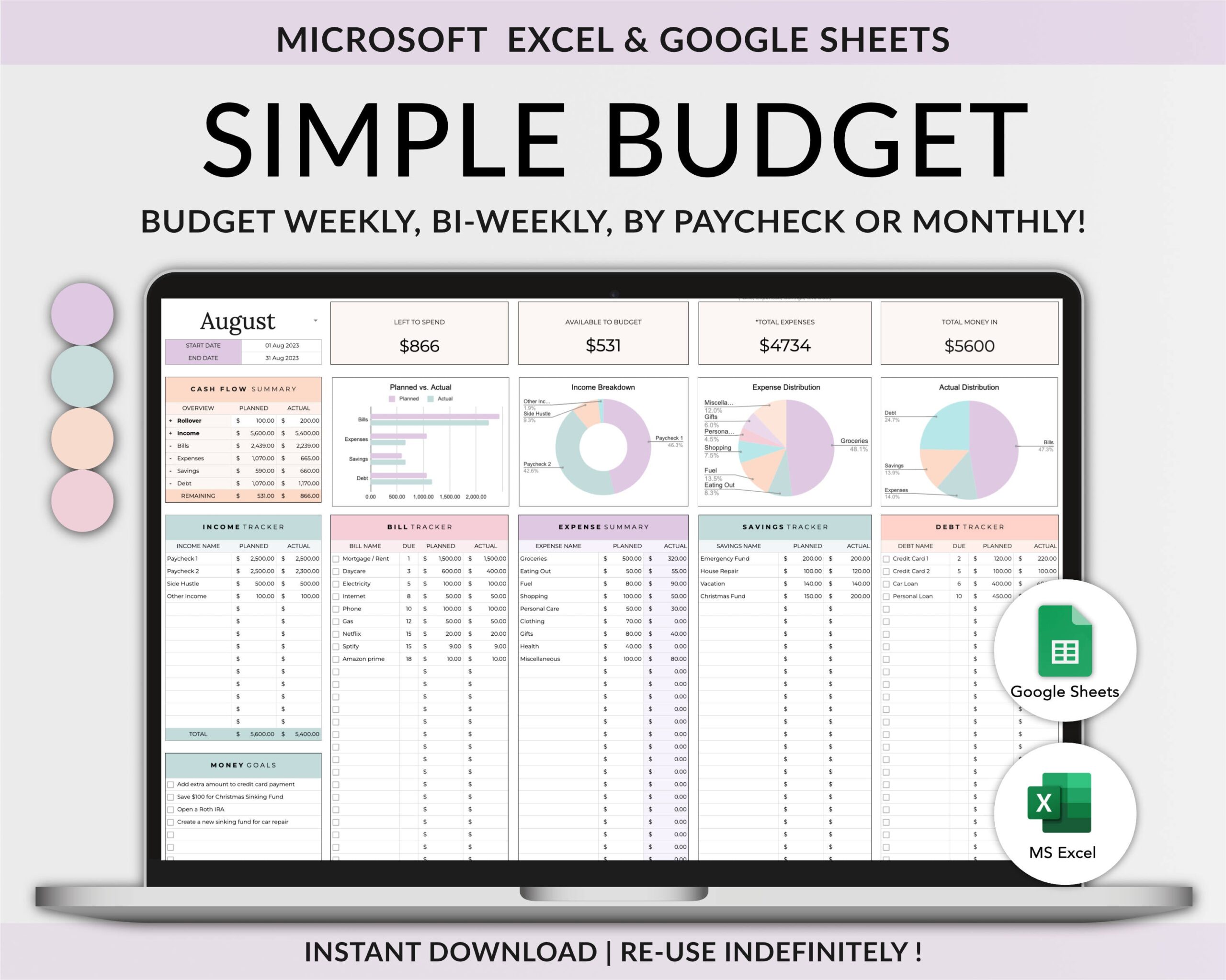
Integrating the use of a budget sheet into lessons not only teaches students about finance but also promotes critical thinking and responsibility. Here are some practical applications:
- Classroom Projects: Assign a project where students create their own budget based on a hypothetical income. They can research average living costs, discuss needs versus wants, and present their budgets to the class.
- Family Involvement: Encourage students to involve their families in using the budget sheet. This can lead to discussions about money management at home, reinforcing lessons learned in school.
- Real-Life Scenarios: Present students with real-life scenarios, such as planning a school event or a family trip. Have them create a budget for these activities using the budget sheet, allowing them to apply skills in a fun and engaging way.
By teaching children how to use a budget sheet, you’re equipping them with essential life skills that can lead to financial independence and responsibility.