Creating a budget worksheet is an essential skill that fosters financial literacy among students and helps families manage their finances effectively. When learning how to set up a budget worksheet, the goal is to create a straightforward tool that can be utilized repeatedly. This guide will walk you through the essential steps for setting up a budget worksheet, ensuring that it meets the needs of your classroom, homeschool, or family setting.
Understanding the Purpose of a Budget Worksheet
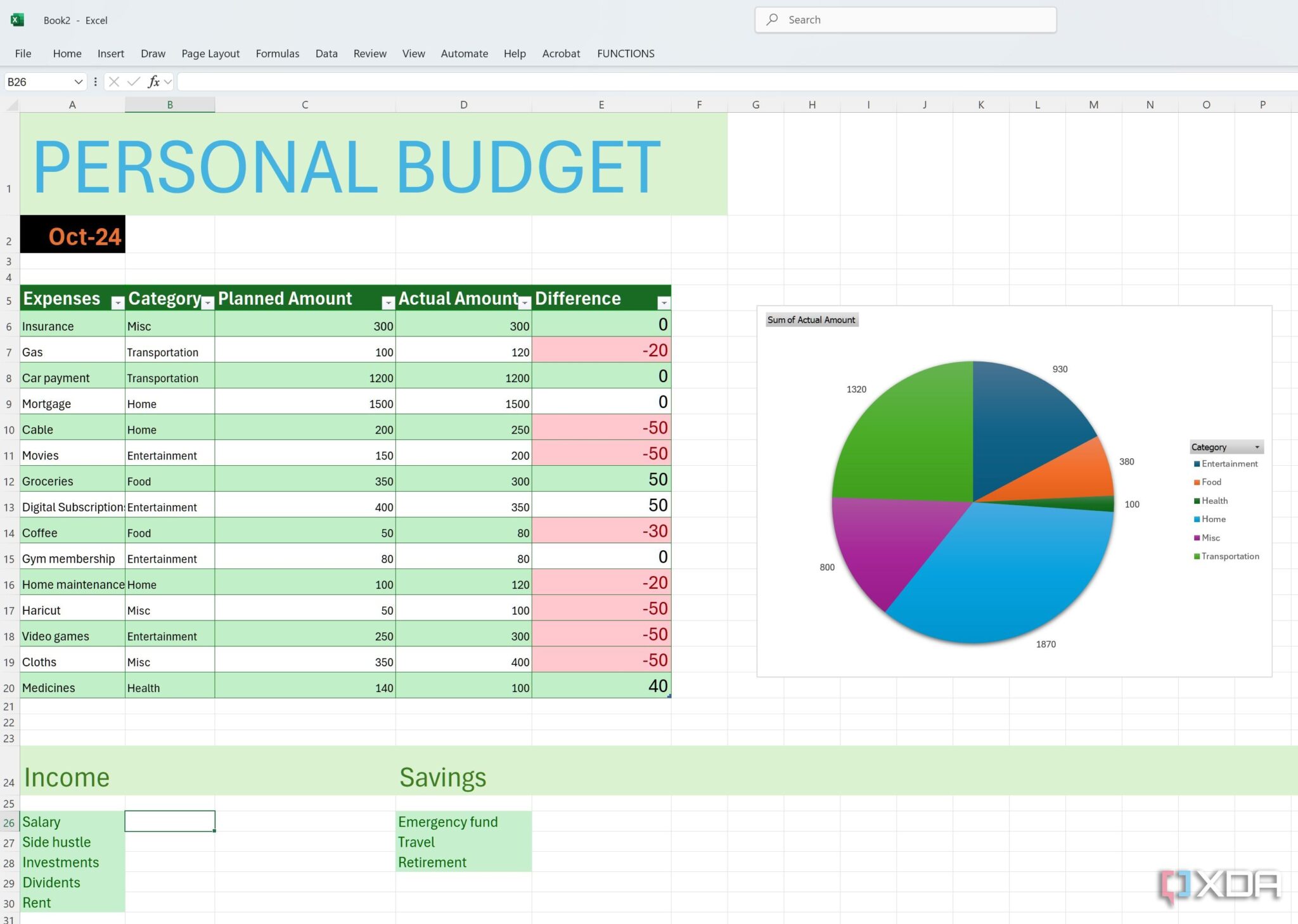
Before diving into the creation of a budget worksheet, it’s important to understand its purpose. A budget worksheet helps track income, expenses, and savings goals. For teachers, this can be a valuable way to teach students about financial responsibility. For parents, it can serve as a tool to manage household finances more effectively.
Key Components of a Budget Worksheet
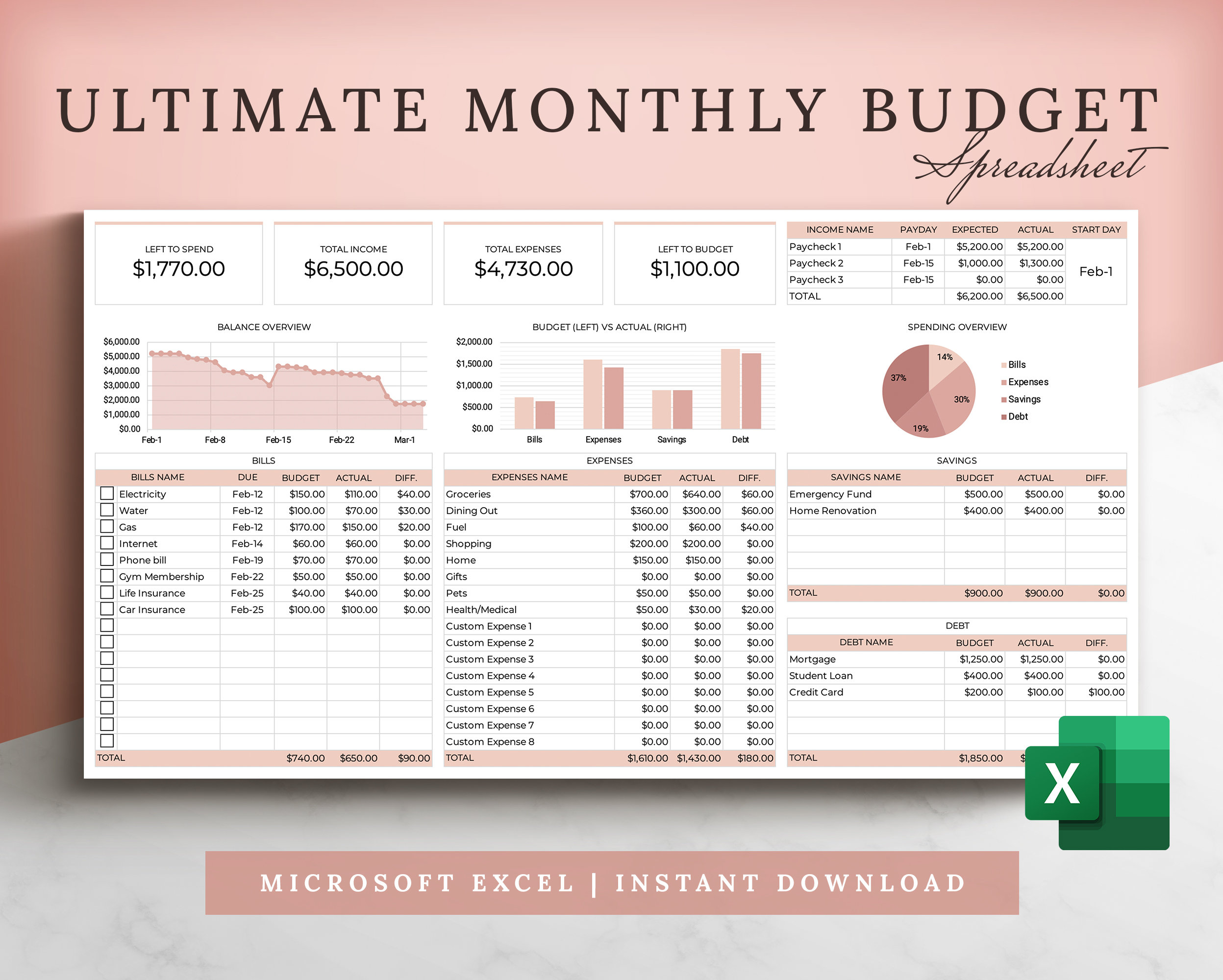
A well-structured budget worksheet should include the following key components:
- Income Section: This includes all sources of income, such as salary, allowances, or any other monetary gain.
- Expense Section: List all monthly expenses, including fixed (rent, utilities) and variable (groceries, entertainment) costs.
- Savings Goals: A section dedicated to savings, allowing you to set aside funds for future needs or emergencies.
- Summary Section: This calculates the difference between income and expenses, showing whether you are in the black or red.
Gathering Materials for Your Budget Worksheet
Setting up a budget worksheet doesn’t require extensive resources. Here’s what you’ll need:
- Printable Template: Look for a budget worksheet template that suits your needs. Many are available for free online and can be printed in various formats.
- Writing Tools: Pencils or pens for filling out the worksheet.
- Calculator: A simple calculator can help with adding up totals and managing calculations.
- Folders or Binders: To keep all budget worksheets organized and easily accessible for future reference.
Step-by-Step Guide to Creating Your Budget Worksheet
Follow these steps to create an effective budget worksheet:
Step 1: Choose Your Format
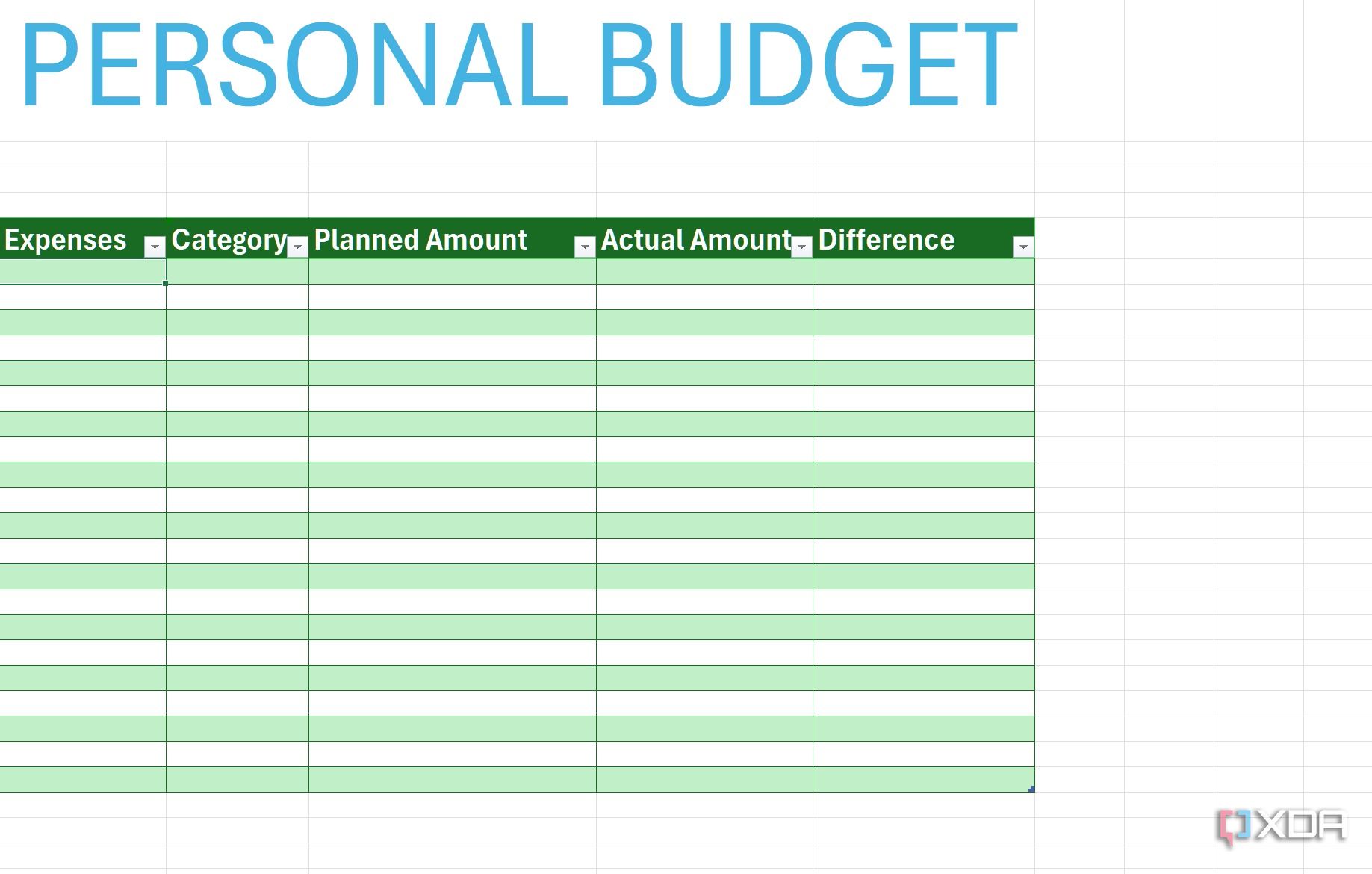
Decide whether you want to create a digital or paper-based budget worksheet. While digital versions can be easier to edit, paper worksheets can be more tactile and engaging for young learners. If you choose to go digital, programs like Excel or Google Sheets can offer flexibility and built-in formulas for calculations.
Step 2: Set Up Your Income Section
Start by designating a section for income. In this section, list all sources of income. For students, this might include an allowance or part-time job earnings. For families, include all household incomes.
- Example Entries:
- Allowance: $20
- Part-time job: $150
- Total Income: $170
Step 3: Create an Expense Section
Next, create an expense section. Divide this section into two parts: fixed expenses and variable expenses. Fixed expenses are those that do not change from month to month, while variable expenses can fluctuate.
- Fixed Expenses:
- Rent: $800
- Utilities: $150
- Variable Expenses:
- Groceries: $300
- Entertainment: $100
Step 4: Calculate Your Savings Goals
Encourage setting savings goals within the worksheet. This could be a specific amount you want to save each month or a percentage of total income. This section should motivate students or family members to think about their financial futures.
- Example Savings Goal: Aim to save $50 per month towards a new bicycle or college fund.
Step 5: Summary and Balance Calculation
Finally, create a summary section where you can calculate the balance. Subtract total expenses from total income. This will give you a clearer picture of your financial situation.
- Total Income: $170
- Total Expenses: $1,350
- Balance: $170 – $1,350 = -$1,180 (indicating a deficit)
This balance calculation will help users understand whether they need to cut back on expenses or find ways to increase their income.
Practical Tips for Using the Budget Worksheet
Once your budget worksheet is set up, here are some practical tips for effective use:
- Review Regularly: Schedule a time each week or month to review your budget. Regular reviews help keep spending in check and adjust goals as necessary.
- Involve Students: If using this in a classroom, consider having students present their budgets to the class. This can encourage discussion on financial planning and responsibility.
- Make It Visual: Use colors or charts to make the budget worksheet visually appealing. This can help engage younger students and make the information easier to digest.
Adapting the Budget Worksheet for Different Ages
When teaching students of varying ages, consider adapting the complexity of the budget worksheet. For younger students, keep it simple with just a few categories. As they grow older, introduce more categories and encourage them to think critically about their spending habits.
For Elementary Students
- Focus on basic income and expense categories.
- Use visuals such as stickers or drawings to represent different expenses.
For Middle and High School Students
- Introduce more complex concepts such as budgeting for a savings goal or understanding credit.
- Encourage them to think about future expenses such as college tuition or car payments.
Frequently Updating the Budget Worksheet
A budget worksheet should be a living document. Encourage ongoing updates as income, expenses, and goals change. This practice not only reflects real-life financial management but also reinforces the importance of adaptability in budgeting.
- Monthly Updates: Make it a routine to update the worksheet at the end of each month.
- Yearly Reviews: Conduct a comprehensive review at the end of the year to assess progress towards long-term financial goals.