Managing your personal finances can feel overwhelming, but using a structured approach like the Bi Weekly Budget Worksheet Dave Ramsey can simplify your budgeting process. This printable resource is designed to help you track your income and expenses over a two-week period, allowing for more accurate financial planning. If you are new to budgeting or looking to refine your existing system, this worksheet offers a clear layout to guide you through your financial journey.
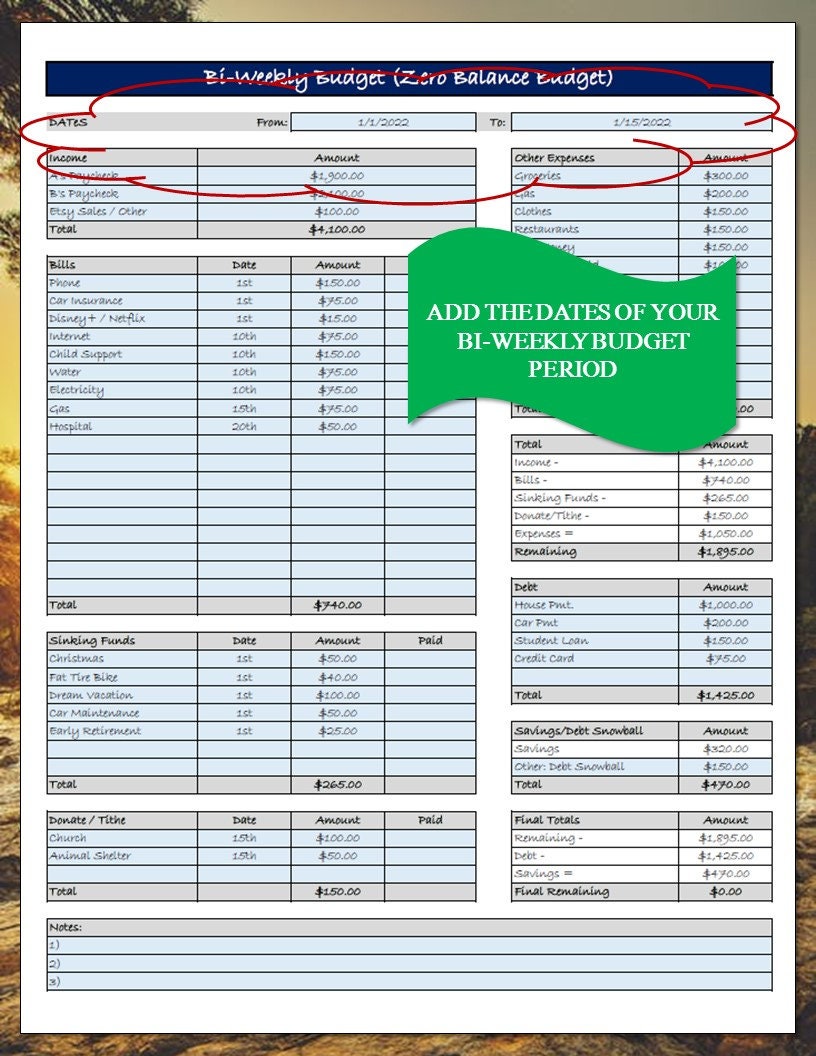
Understanding the Layout of the Bi Weekly Budget Worksheet
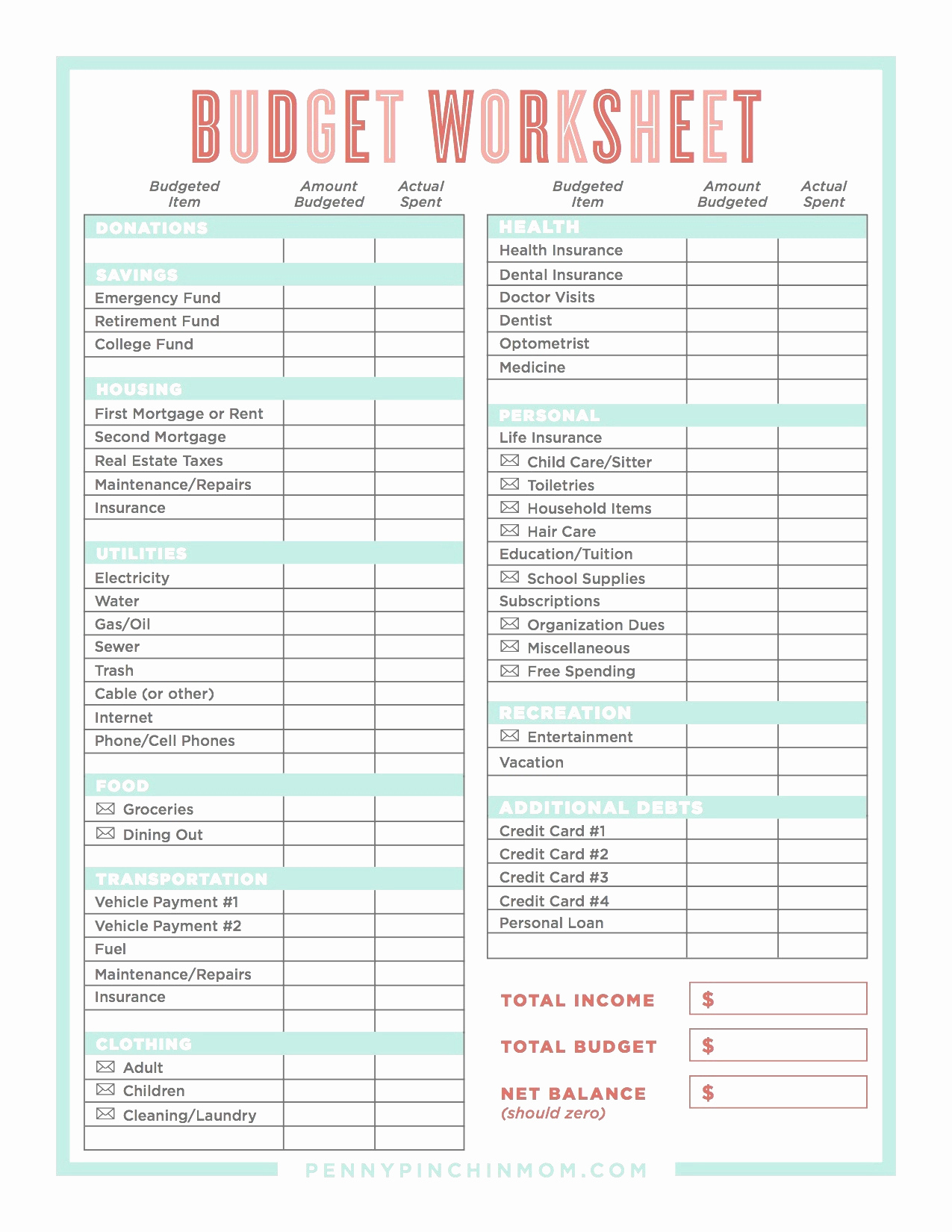
At first glance, the Bi Weekly Budget Worksheet may seem straightforward, but its layout is strategically designed to help you manage your finances effectively. Typically, this worksheet is formatted to fit on standard 8.5 x 11-inch paper, making it easy to print and use.
The worksheet is divided into several key sections:
- Income Section: Here, you’ll list all your sources of income, including salaries, side gigs, and any passive income. This section helps you see your total income for the two-week period at a glance.
- Fixed Expenses: This area is for expenses that remain constant, such as rent, utilities, and insurance. By filling this out, you’ll have a clearer picture of your essential commitments.
- Variable Expenses: Unlike fixed expenses, variable costs fluctuate each month. This section allows you to estimate costs like groceries, gas, and entertainment, helping you plan accordingly.
- Savings Goals: This section encourages you to allocate a portion of your income towards savings. It’s crucial for building an emergency fund or saving for future goals.
- Summary Section: At the end of the worksheet, there’s usually a summary area to tally your total income, total expenses, and remaining balance. This snapshot helps you understand your financial standing quickly.
How to Use the Worksheet Effectively
Using the Bi Weekly Budget Worksheet effectively requires a bit of preparation. Here’s a step-by-step guide to get you started:
- Gather Your Financial Information: Before you fill out the worksheet, gather your recent pay stubs, bills, and bank statements. You’ll need accurate information to create a realistic budget.
- Fill Out the Income Section: Start by entering your income sources. Make sure to include all forms of income, as this will give you a complete view of what you have to work with.
- List Your Fixed Expenses: Next, input your fixed expenses. Be thorough; if you have expenses that occur quarterly or annually, break them down into bi-weekly amounts for accuracy.
- Estimate Variable Expenses: This part may require some guesswork. Look at past spending habits for guidance. If you’re unsure, overestimate slightly to ensure you don’t come up short.
- Set Savings Goals: Decide how much you want to save during this period. Setting specific goals can motivate you to stick to your budget.
- Review and Adjust: After filling out the worksheet, review your totals. If your expenses exceed your income, look for areas to cut back. Make adjustments as necessary to create a balanced budget.
Tips for Staying on Track
Once you’ve created your budget using the Bi Weekly Budget Worksheet, the real challenge is sticking to it. Here are some practical tips to help you stay on track:
- Track Spending Daily: Keep a daily log of your spending to see where your money goes. This can help you identify patterns and adjust your budget accordingly.
- Set Reminders: Use your phone or calendar to remind you to review your budget regularly. This can help you stay accountable and make necessary adjustments.
- Be Flexible: Life is unpredictable, and unexpected expenses will arise. Don’t be afraid to adjust your budget and savings goals if needed.
- Celebrate Small Wins: If you manage to save a little extra or stay under budget, celebrate those victories! Positive reinforcement can keep you motivated.
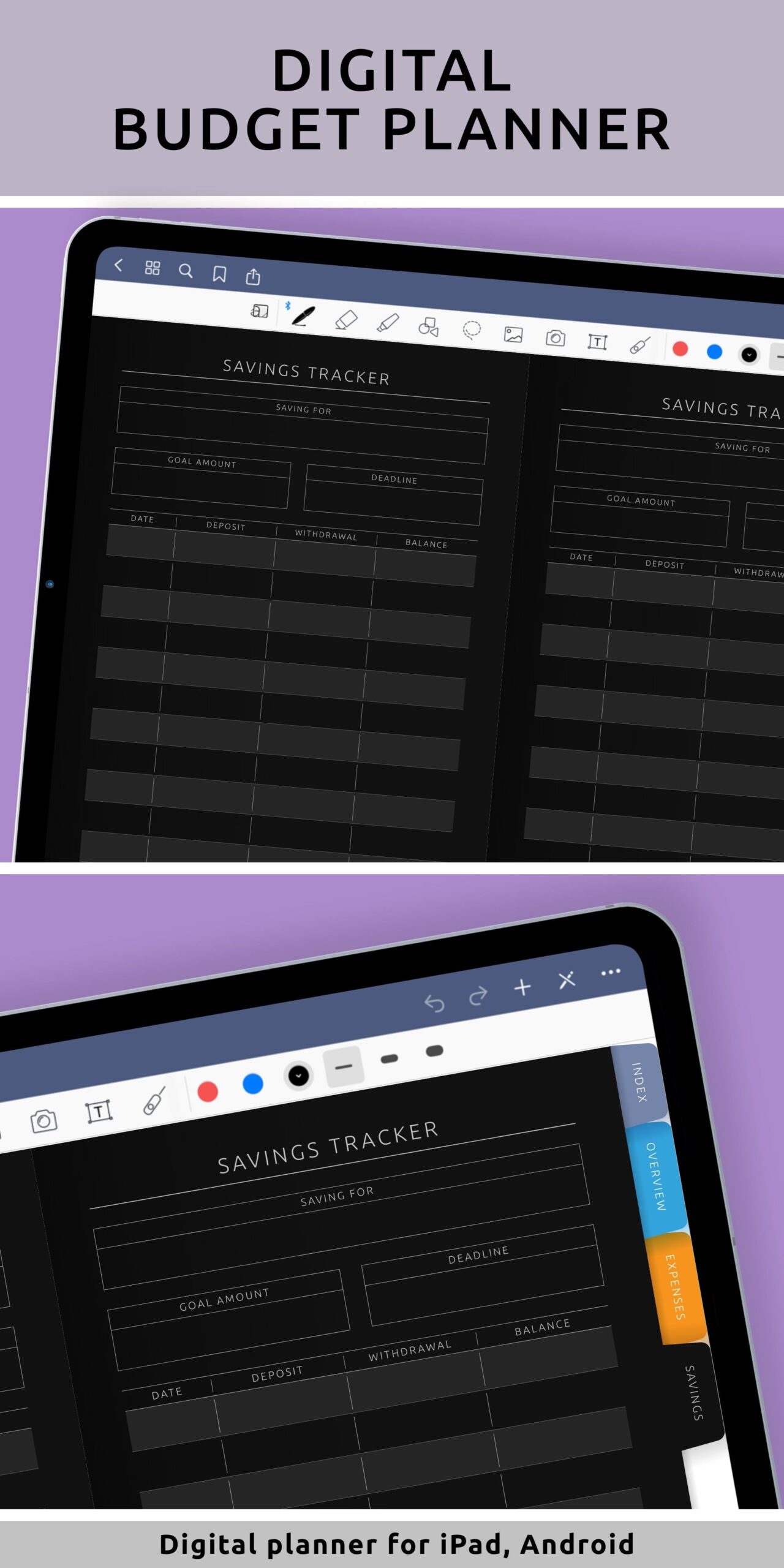
Downloading and Printing the Worksheet
When it comes to accessing the Bi Weekly Budget Worksheet, you’ll typically find it available for download in PDF format. This format is ideal for printing as it preserves the layout and ensures that all fields are clearly visible. Here are some printing tips:
- Use Quality Paper: For durability, consider printing on cardstock or high-quality paper. This is especially useful if you plan to use the worksheet repeatedly.
- Portrait Layout: Most worksheets are designed for portrait layout, which fits standard filing systems. Ensure your printer settings are adjusted accordingly.
- Check Print Preview: Always check the print preview before printing to ensure everything is aligned correctly and fits well on the page.