Managing finances can be a daunting task for small business owners, especially when trying to keep track of income and expenses on a bi-weekly basis. A well-structured budget can help streamline this process and ensure that financial goals are met. The Bi Weekly Budget Worksheet Open Office is a practical resource that assists in organizing financial data efficiently. This guide will walk through how to use this worksheet effectively.
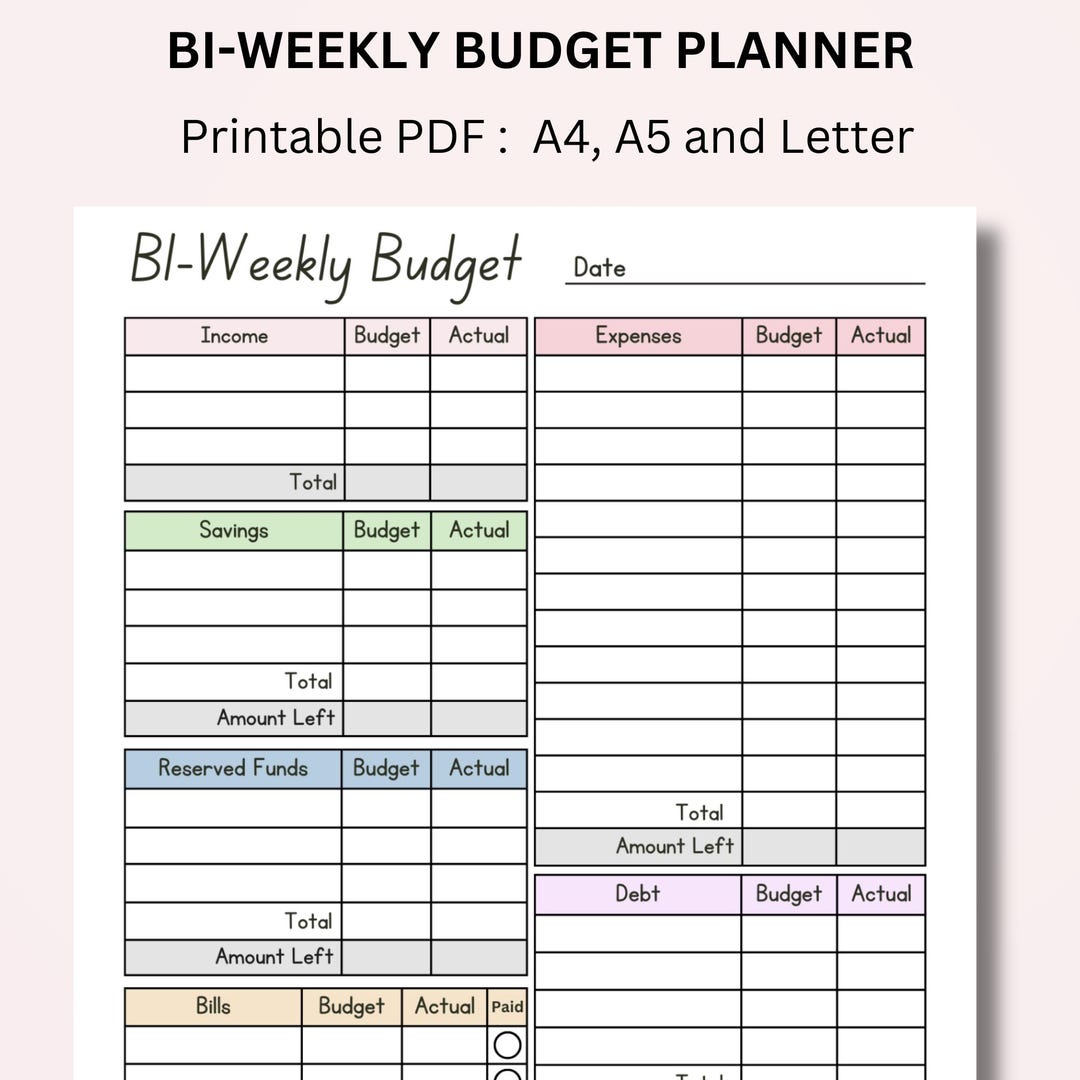
Understanding the Bi Weekly Budget Worksheet
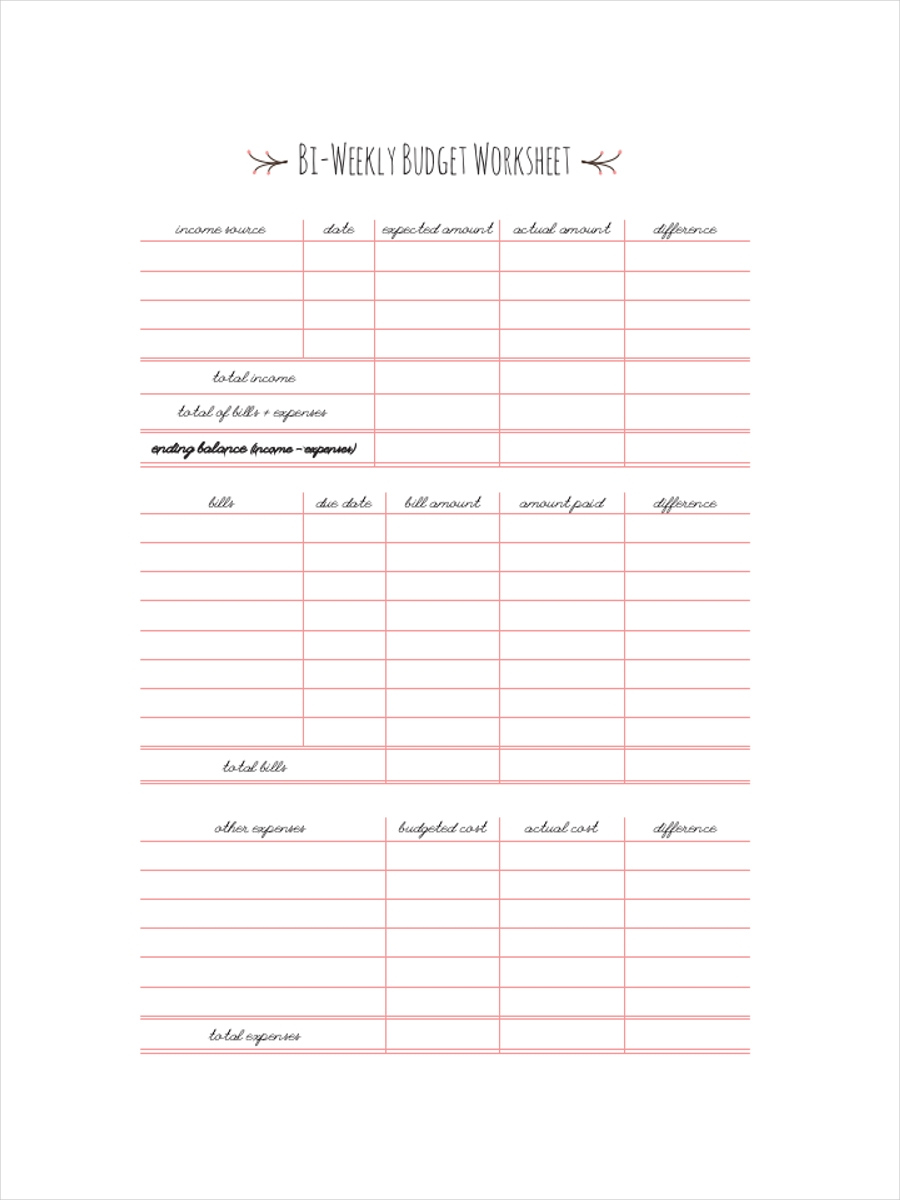
The Bi Weekly Budget Worksheet is specifically designed to help users track their income and expenses over a two-week period. This resource is perfect for small business owners who pay employees bi-weekly or have fluctuating income and expenses. It provides a clear layout to categorize different financial aspects, making it easier to see where money is going and how much is coming in.
The worksheet typically includes sections for:
- Income sources
- Fixed expenses
- Variable expenses
- Savings goals
- Net income
By filling out this worksheet, you can gain insight into your financial health and identify areas where adjustments may be necessary.
Downloading and Printing the Worksheet
To get started with the Bi Weekly Budget Worksheet Open Office, the first step is to download it. Here are the steps to follow:
- Locate the Worksheet: Search for the Bi Weekly Budget Worksheet Open Office on your preferred printable-resource website.
- Download the File: Click the download link, ensuring that the file format is compatible with Open Office, typically in .ods format.
- Open the File: Launch Open Office and open the downloaded worksheet.
- Print for Convenience: For ease of use, print the worksheet. Use standard letter-sized paper (8.5” x 11”) for optimal results. Ensure your printer settings are adjusted for high-quality printing to maintain clarity.
Setting Up Your Budget
Once you have the worksheet ready, it’s time to set it up for use. Here’s how to do it effectively:
- Fill in Income Sources: Start by listing all sources of income you expect to receive in the next two weeks. This could include sales, services rendered, or any passive income streams.
- Identify Fixed Expenses: Next, document fixed expenses that are consistent, such as rent, utilities, or salaries. These are expenses that won’t change from period to period.
- Estimate Variable Expenses: Variable expenses can fluctuate, so estimate the amounts you expect to spend on items like supplies, advertising, or travel. Be realistic and consider previous spending patterns.
- Set Savings Goals: It’s essential to allocate funds for savings. Determine how much you’d like to save over this bi-weekly period and include it in your budget.
- Calculate Net Income: After entering all income and expenses, calculate your net income by subtracting total expenses from total income. This figure is crucial as it shows the financial position for the period.
Monitoring Progress
A budget is only effective if it’s actively monitored and adjusted as necessary. Here’s how to keep track of your progress:
- Regular Check-Ins: Set aside time at the end of each week to review your budget. Compare your estimated expenses with actual spending.
- Adjust When Necessary: If you find that certain expenses are consistently higher than planned, adjust your budget for the next period. This helps maintain accuracy and control.
- Track Savings: Monitor your savings goals to ensure you’re on track. If you miss a target, reassess your budget to find areas to cut back.
- Use Visuals: Consider visual aids like charts or graphs to see your financial trends over time. This can help identify patterns and inform future budgeting decisions.
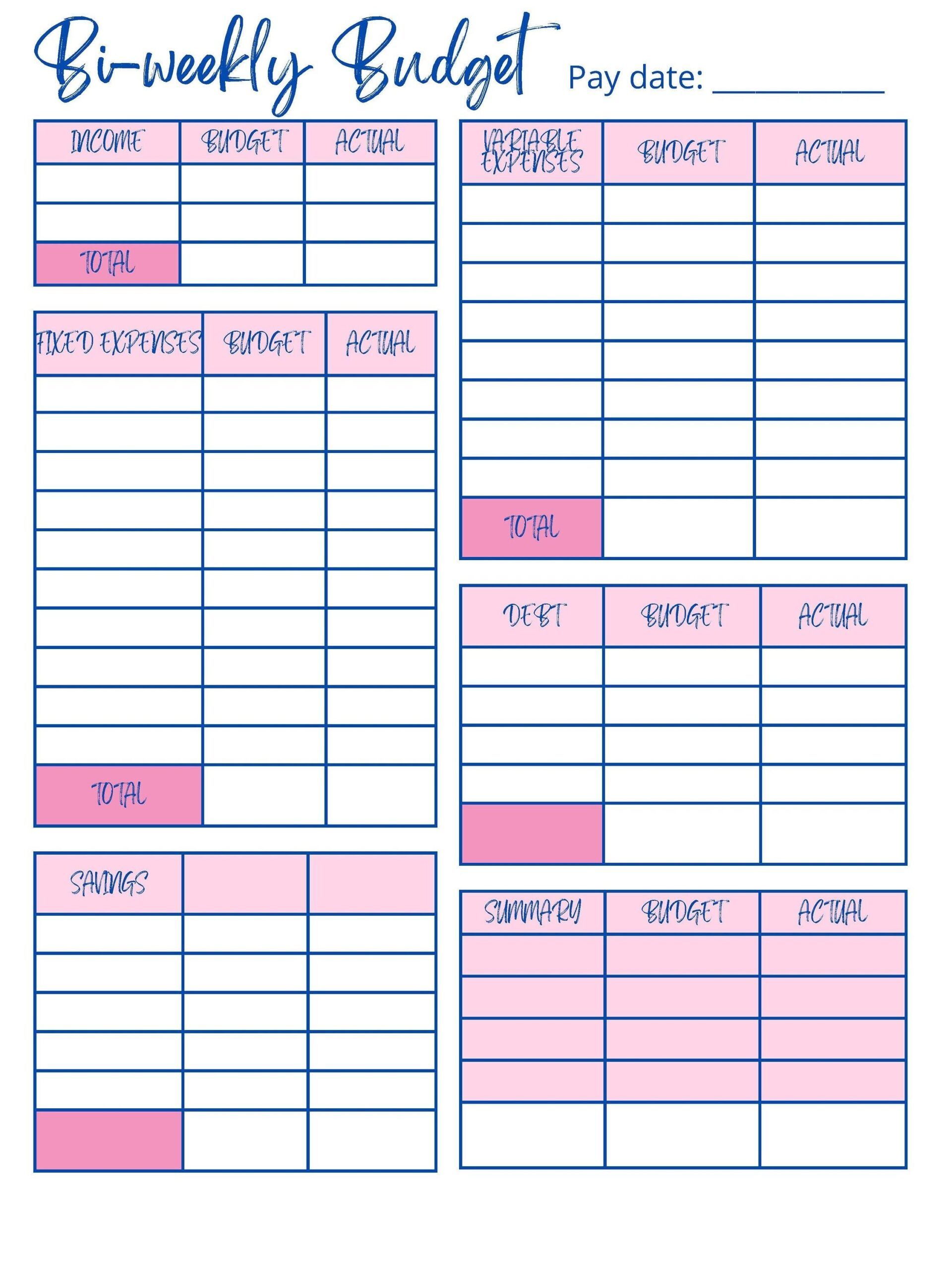
Tips for Effective Budgeting
Here are some additional tips to maximize the effectiveness of your Bi Weekly Budget Worksheet:
- Be Honest: When estimating expenses and income, be as accurate as possible. Overestimating income or underestimating expenses can lead to financial shortfalls.
- Use Cash Envelopes: For variable expenses, consider using cash envelopes to limit overspending. Withdraw the budgeted amount in cash and use only that for the designated category.
- Review Monthly: While this worksheet is bi-weekly, reviewing your budget monthly can provide a broader perspective on financial trends and help in long-term planning.
- Stay Flexible: Life can be unpredictable. Allow room for flexibility in your budget to accommodate unexpected expenses or income changes.
By using the Bi Weekly Budget Worksheet Open Office, small business owners can gain better control over their finances, leading to more informed decision-making and financial stability. Start today by downloading the worksheet, setting up your budget, and taking charge of your financial future. One immediate action to consider is to schedule a weekly review of your budget to ensure you stay on track and make timely adjustments as needed.